

The Ultimate Lean Revenue Model For Startups
Most founders can tell you their bank balance in seconds. Ask them about net revenue retention or churn, and you get a blank stare.
They’re not dumb. They just don’t have the infrastructure.
The result: founders operate in one of two modes. Spreadsheet chaos (47 tabs, nobody updates it, everyone’s afraid to touch it) or pure gut feel (”we’re growing, right?”).
Here’s the thing: the metrics that determine whether your business grows, stalls, or dies can be tracked in a single lean system. No Looker. No CFO. Just clarity on five core dimensions of your revenue engine, visible every month, maintainable in 15 minutes.
That’s what this model does.
Table of Contents
1. Why Every Startup Needs a Simple Revenue Model
2. Why This Model Is Different (and Why It Matters)
3. What’s In It
4. Who Should Use It
5. Download the Lean Revenue Model in Excel
6. How It Works
7. Frequently Asked Questions (FAQs)
1. Why You Need This
At the end of the day, revenue is the most honest signal you have. Customer surveys might lie, usage metrics can mislead, and net promoter scores (NPS) tell you what people think they feel. But revenue tells you what they actually do.
When customers pay month after month, you have product-market fit
The best feedback loop in early-stage startups runs through your billing system. Customers who find real value pay, renew, and expand their usage. Customers who don’t, on the other hand, they churn, downgrade, or disappear after the trial ends.
A practical revenue model surfaces these patterns in real time. The faster you see them, the faster you iterate toward something that works.
Every operational decision hinges on predictable revenue
You can’t plan hiring without knowing revenue three months out. You can’t set marketing budgets without understanding CAC efficiency. You can’t project runway without visibility into growth rates.
When you’re guessing at revenue, you’re guessing at everything downstream. That’s how startups hire too fast, burn inefficiently, and wake up six months later wondering where the runway went.
Investors increasingly expect this level of operational clarity
Seed and Series A investors don’t want your 40-tab SaaS financial model with five-year projections and departmental headcount planning. They want a clean read on customer momentum and revenue health. What investors want to know is:
Can you retain customers? Can you expand them? Is acquisition capital-efficient?
A lean KPI dashboard answers all three questions in under two minutes, and it demonstrates you understand the underlying mechanics of your business.

2. Why This Model Is Different (and Why It Matters)
Most revenue models are either bloated (47 input variables you’ll never know) or useless (napkin math that tells you nothing).
This one is simple and useful.
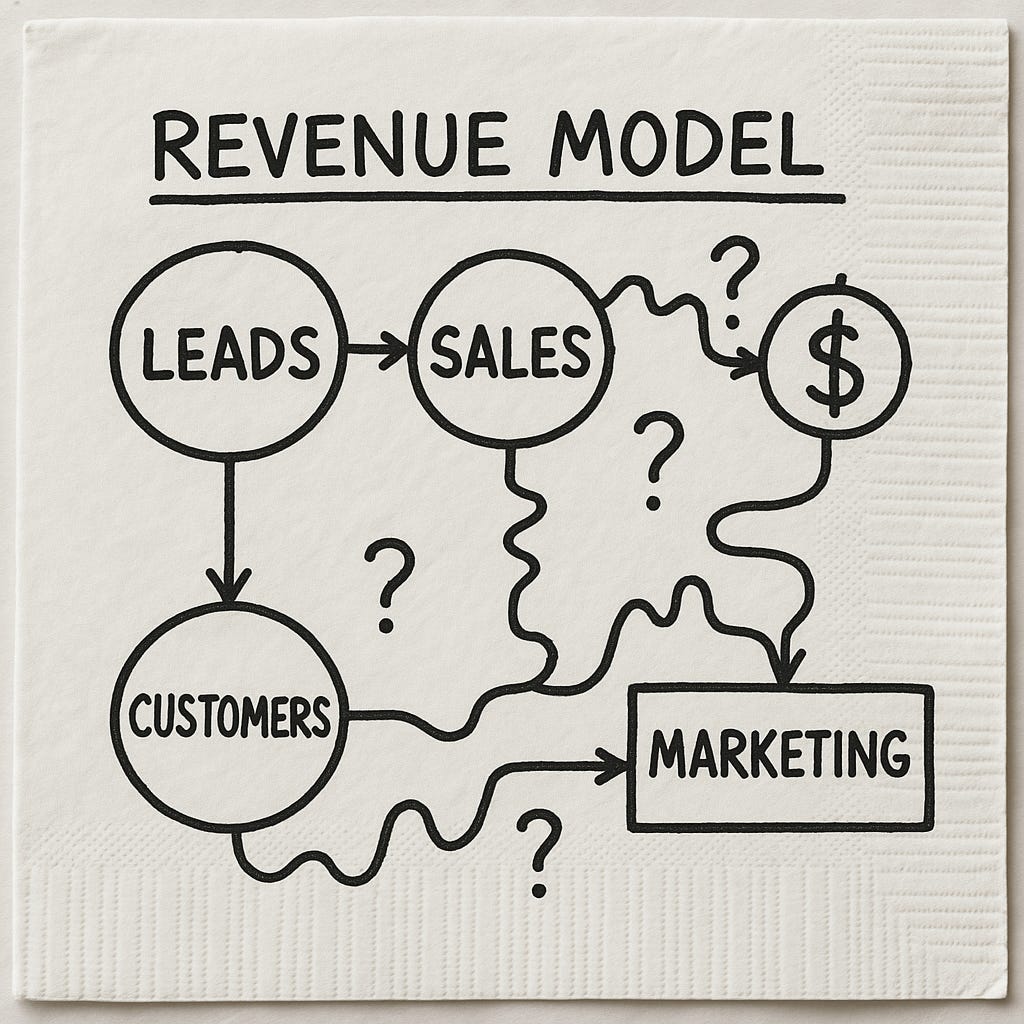
Most revenue models are either bloated (47 input variables you’ll never know) or useless (napkin math that tells you nothing).
This one is simple and useful.
You track only what governs SaaS revenue health: customer counts, MRR flows, retention quality, unit economics.
No complex cash modeling. No cohort tracking that requires data infrastructure you don’t have. No inputs you’re forced to fabricate.
It creates momentum awareness.
Each month you see:
Does the company move forward or does churn erase new bookings?
Does expansion offset contraction?
Does the flywheel accelerate or stall?
It forces disciplined thinking.
If your churn assumption is wishful thinking, the outputs expose it immediately. If CAC climbs while ARPA stays flat, the payback calculation breaks visibly.
You can't hide from reality here. The math won't cooperate.
3. What’s In It
Three tabs. Each serves a specific function.
Cover Tab — Your Orientation

Open the model and you land here. Explains where to edit assumptions and what the KPIs tab calculates. If you hand this to a co-founder or investor, they understand the entire structure in under a minute.
Inputs Tab — Your Assumptions
This is where you set the drivers:
Starting month and projection horizon
Starting MRR and ARPA
Monthly churn, expansion, and contraction percentages
New customer volume per month (and growth rate)
CAC per new customer
Discount rate, processing fees, COGS
These are numbers you already know or can estimate from three months of data.
Small changes compound dramatically. Drop monthly churn from 5% to 4%, retain an extra percentage point of MRR every month. Compound over 24 months and the difference is enormous.

KPIs Tab — The Engine
Everything calculates automatically:

Customer counts:
New customers acquired
Churned customers lost
Active customers end of month
MRR flows:
New MRR from new customers
Expansion MRR from upgrades
Contraction MRR from downgrades
Churned MRR from lost customers
Net new MRR
Retention quality:
Gross Revenue Retention (GRR) — revenue kept excluding expansion
Net Revenue Retention (NRR) — includes expansion, shows if customer base grows in value
Unit economics:
ARPU trends over time
Blended CAC
Payback period in months
Visual dashboards included:

CAC spend and blended CAC trend
Gross profit waterfall
MoM MRR growth rate
ARPU and payback trends
MRR composition (new/expansion/contraction/churn)
Customer flywheel (new vs churned vs active growth)
Ending MRR trajectory
Charts communicate momentum faster than tables. Use them for board decks and investor updates.
These visuals do real work. When you’re presenting to your board or sending investor updates, charts communicate momentum faster than tables ever could.
The whole system is designed around a simple principle. You only get everything you need to understand revenue health, and nothing that complicates the picture.
4. Who This Is For
Founders and early-stage finance leads
No dedicated finance team? This is all you need. Test pricing changes, model churn scenarios, answer “what if we double acquisition” in 30 seconds. Simple enough to update weekly, rigorous enough for fundraising decks.
Growth and RevOps teams
You need to see if acquisition and expansion offset churn. Track ARPU trends, CAC, payback periods. Know if the flywheel accelerates. Update inputs monthly with actual data, get a complete health check.
Investors and advisors
Use it as a standard framework across portfolio companies. Compare retention quality, spot strong unit economics vs inefficient burn. 10 minutes and you understand revenue health completely.
Who should NOT use this:
Late-stage companies needing deep cohort analysis. Multi-product revenue decompositions. Complex enterprise sales with multi-year contracts. This is purpose-built for early-stage SaaS with recurring revenue and straightforward pricing.